How a post gets written here
Folders, frontmatter, and the three MDX components worth the faff - callouts, figures with captions, and videos that only load when you ask.
- Published
- Reading time
- 2 min
- Tags
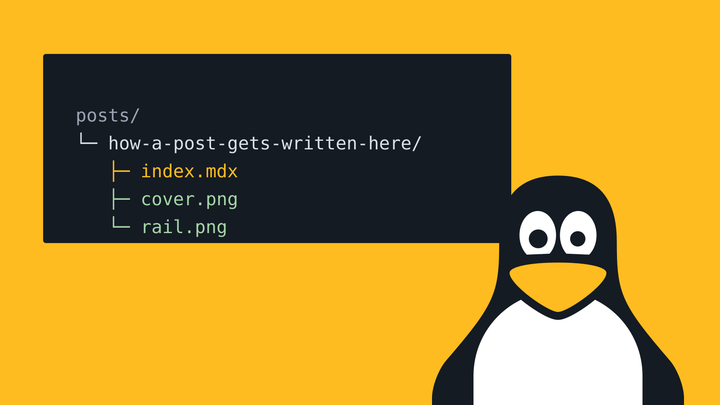
A post is a folder in posts/, named after the address you want. Inside goes index.md, or index.mdx if you want components, plus any pictures. This one lives at posts/how-a-post-gets-written-here/index.mdx.
The frontmatter
Every post starts with a block like this, and the build checks it. Leave out the description, put a capital in a tag or misspell a field, and the build stops and tells you what’s wrong.
---
title: How a post gets written here
description: Between 50 and 160 characters, since that's about what Google shows
date: 2026-10-08
updated: 2026-10-09 # optional
tags: [astro, mdx] # lowercase, with hyphens if you need them
draft: true # optional, drafts only show on the dev server
cover: # optional
  src: ./cover.png
  alt: What's in the picture
---
Callouts
Four flavours, for the bits you’d otherwise put in bold and hope for the best.
Note
Pro tip
Heads up
Careful
<Callout type="tip" title="Pro tip">The title's optional, each type has its own.</Callout>Figures
Pictures get turned into AVIF and WebP at a few sizes, so a phone never downloads the desktop one. Wrap one in a Figure and you get a caption as well.
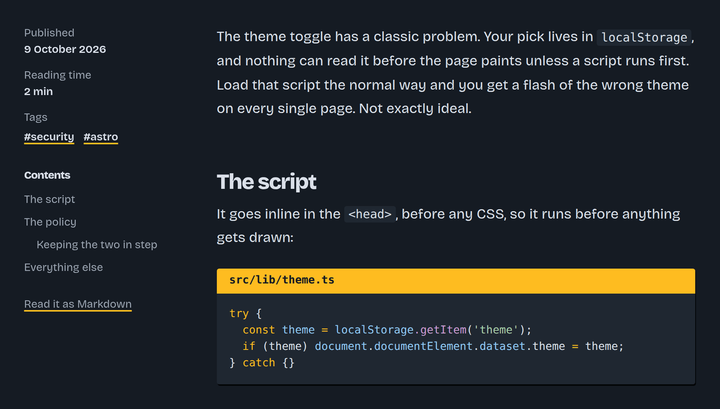
The rail, where the date, reading time, tags and contents live, out of the way of the words
Plain Markdown images work too, they just don’t get a caption.
Video
Embeds load nothing from YouTube until you press play, and even then it’s the no-cookie player. A video file sat next to the post works as well, with src instead of youtube.
 Play Me at the zoo, the first video ever uploaded to YouTube
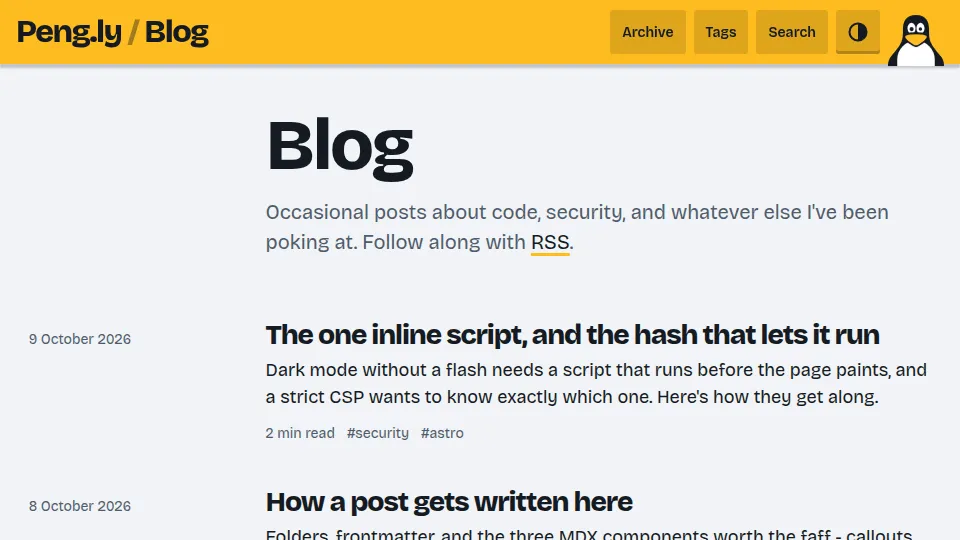 Play The theme toggle on this blog, flipping between light and dark
<Video youtube="jNQXAC9IVRw" title="Me at the zoo" />
<Video src={clip} title="A clip that lives next to the post" />Code
Highlighting happens at build time, so it costs nothing in the browser. Add a title for a file name, and line numbers in braces to light some up.
// a comfortable reading pace, and code blocks count like anything else
export function readingTime(text: string) {
  const words = text.split(/\s+/).filter(Boolean).length;
  return Math.max(1, Math.round(words / 230));
}
Every block gets a copy button once the page has loaded.
Publishing
Push to main and Vercel does the rest. Drafts stay in the repo but never make it into the build, so they’re not in the feed, the sitemap or search either.